
Disclosure: Some of the links below are affiliate links. If you sign up through them, No Hire Needed may earn a commission at no extra cost to you. We only recommend tools we have researched and evaluated. Our full disclosure lives in the site footer.
Last Updated: November 13, 2026
Klap at a glance
- Type: Specialist (AI video clipping)
- Best for: Owners who post short clips every week and want the lowest yearly price per clip
- Starting price: Basic $14.50 a month billed yearly ($174), $29 monthly
- Free plan or trial: Free trial on 1 video, no credit card; downloading or posting clips needs a paid plan
- Our take: A fast, simple clipper with strong yearly pricing; read the refund terms before you commit
Start Your Free Trial, No Credit Card →
Pricing and sign-up terms as of the Last Updated date above. Set by the provider and can change; confirm on their site.
Klap review: what it is
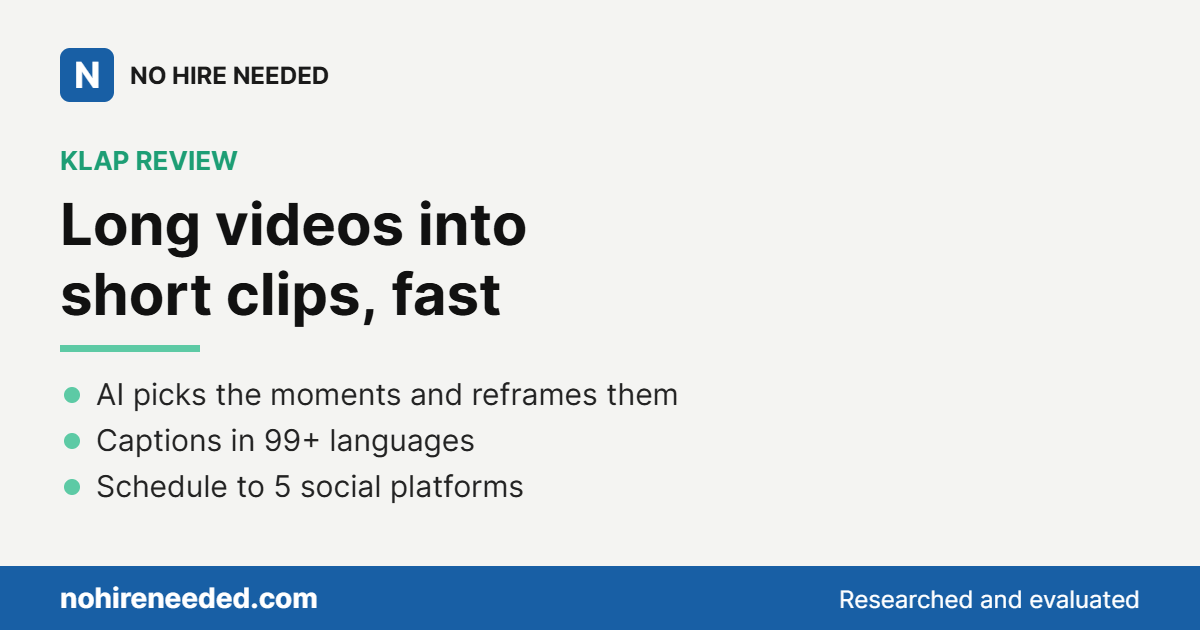
This Klap review is for the owner who records long videos, like podcasts, interviews, webinars or tutorials, and wants a steady supply of short clips without editing them by hand. Klap is a specialist AI video clipping tool. Paste a YouTube link or upload a file, and it picks the most interesting topics, cuts them into short vertical clips, reframes them so the speaker stays in shot, and adds styled captions.
It works in 99+ languages, gives each clip a virality score, and publishes or schedules clips to TikTok, YouTube, Instagram, LinkedIn and Facebook. Klap is operated by ZIGG SAS.
How Klap saves you a hire
Klap replaces the short-form video editor: the person who watches a full recording, picks the moments worth sharing, reformats them for phones, adds captions and gets them posted. For an owner who records every week, that is a recurring cost Klap turns into a monthly subscription.
You still choose which clips go out. Klap does the watching, cutting and formatting.
Best for
- Weekly podcasters and video creators. Turn each episode into a batch of clips with captions.
- Owners who teach or demo on video. Webinars, tutorials and product walkthroughs become short social posts.
- Small teams posting to several accounts. Every plan includes unlimited social accounts.
Strengths
- Automatic clip selection. AI finds the topics worth clipping and scores each clip.
- AI Reframe 2. Layouts like split screen, screencasts and gaming, with the active speaker kept in focus.
- Captions in 99+ languages. Styled subtitles plus AI-written post captions for each clip.
- Brand control. Fonts, colors, logos and framing to match your look.
- Publishing built in. Schedule or post to five platforms, with unlimited social accounts on every plan.
What it costs
| Plan | Monthly | Billed yearly (per month) | Billing unit | Key limits |
|---|---|---|---|---|
| Basic | $29 | $14.50 ($174 a year) | Per plan | 100 clips a month (1,200 up front on yearly) |
| Pro | $79 | $39.50 ($474 a year) | Per plan | 300 clips a month (3,600 up front on yearly) |
| Pro+ | $189 | $94.50 ($1,134 a year) | Per plan | 1,000 clips a month (12,000 up front on yearly), built for teams |
The free trial covers one video with no credit card. You can preview and edit the clips, but downloading or posting them needs a paid plan. Yearly billing is half the monthly price.
Fine print: Klap counts each short it generates as one clip, and source video length does not use up your plan, with sources up to 3 hours. Paid exports have no Klap watermark. Klap’s refund policy allows a refund in the first month, and on yearly plans a partial refund for full unused months, up to your last 3 consecutive months; cancel first, then request it. Prices verified in US dollars on klap.app on November 13, 2026. Pricing and plans are set by Klap and can change, so confirm current pricing on their site before you subscribe.
What changed recently: Klap introduced AI Reframe 2 for split-screen, screencast and gaming layouts, and updated its pricing page on November 4, 2026.
Is Klap right for you?
If you publish clips every week and want the most clips for the money on a yearly plan, Klap fits. It is quick to learn, it handles the reframing and captions, and unlimited social accounts mean one plan can cover several channels.
Before you buy, know that Klap’s public reviews are mixed, and billing and cancellation come up often in the negative ones. Read the refund terms above and start monthly if you are unsure. If you want a free plan to keep using, not a one-video trial, Vizard has one, and its yearly Creator plan costs the same as Klap Basic (see our Vizard review). If you want the best-known clipper with a free plan and a low monthly Starter price, OpusClip is the category leader (see our OpusClip review). If you want clipping and a full social scheduler in one subscription, quso.ai, formerly vidyo.ai, bundles both.
Solo owners who post every week should start Klap with the free trial on a real recording, then pick Basic on yearly billing if the clips work for them. Small teams running several accounts can lean on unlimited social accounts and move up to Pro or Pro+ for more clips. Whenever the job is turning long videos into short clips at a low yearly cost, Klap is built for it.
See how Klap compares with the other picks in our roundup of the best AI content repurposing tools.
Start Your Free Trial, No Credit Card →
Klap FAQ
Is Klap free?
Klap has a free trial on one video with no credit card, but downloading or posting clips needs a paid plan. Plans start at Basic for $14.50 a month billed yearly ($174) or $29 monthly, as of November 2026.
Can I get a refund from Klap?
Klap’s pricing page says monthly plans can be refunded in the first month, and yearly plans get a full refund in the first month, then 1/12 of the price for each full unused month, up to your last 3 consecutive months. Cancel first, then request the refund.
What platforms can Klap post to?
TikTok, YouTube, Instagram, LinkedIn and Facebook, with unlimited social accounts on every plan.
How long can my source video be?
Up to 3 hours, and the length does not count against your clip allowance.
Bottom line
Klap does most of a short-form editor’s job: it finds the moments, reframes them, captions them and posts them, and on yearly billing it is one of the lowest prices per clip we found. Run one recording through the free trial first, and read the refund terms before choosing a yearly plan.
Compare it with the other picks in our roundup of the best AI content repurposing tools, and build the rest of your stack with the AI Tool Guide for solopreneurs and small business.